 Gaming systems
Pre-launch checklist
- Project format and number of workstations
- Operating systems, browsers and network access
- Peripherals and staff roles
- Demo availability and current terms
A browser-based system for venues and online projects with several working addresses, demo access and a separate admin panel.
Availability, package, requirements and commercial terms must be confirmed before launch.
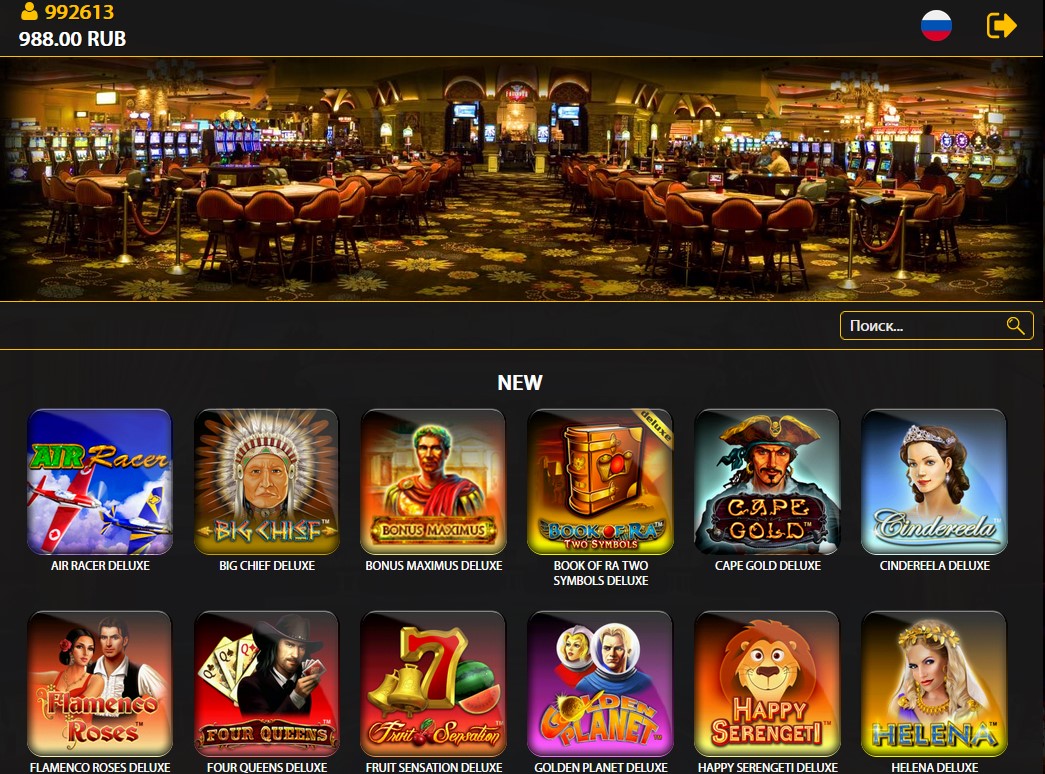
A browser-based system for venues and online projects with several working addresses, demo access and a separate admin panel. Discuss the work format, equipment and access roles with support before preparing the launch.
These are the points to discuss during a demonstration and configuration review.
Clarify administrator, operator and technical access levels for your project.
Check the supported devices, operating systems, browsers and network setup.
Agree the modules, content, working points and settings included in the selected build.
Keep a clear path for setup questions, access recovery and operational support.
Choose an available address and open it in a browser on a computer, tablet or smartphone.
WebSlot working address
WebSlot working address
WebSlot working address
WebSlot working address
WebSlot working address
WebSlot working address
Login: 888
Password: 888
Demo details are for the links above. Use your own account for the admin panel.
Open the authorization page and use your account details.
A browser-based system for venues and online projects with several working addresses, demo access and a separate admin panel.
The exact list depends on the current build and selected configuration. Support checks browsers, operating systems, peripherals and network requirements before launch.
Demo availability depends on the current system. Send the project format and equipment details so support can suggest the right way to review it.
Terms depend on the project format, number of workstations, modules and technical configuration. Support confirms availability and prepares the next steps.
Tell us about your project, devices and preferred system. We will check availability and explain the connection process.
Write on Telegram ↗